Responsive Mockup Generator & Client Portfolio Gallery

Prijsklasse: € 49,00 tot € 149,00

Version: 1.0.1

A WordPress plugin that presents any public website in desktop, laptop, tablet and mobile device frames. Send unlisted preview links to clients, generate screenshots through mShots, and publish a complete portfolio gallery without a page builder. Two shortcodes, and it keeps your own theme.

Demo bekijken

What the plugin does

Responsive Mockup Generator turns any public, embeddable website into a polished multi-device presentation. Show it in device frames, send an unlisted link to your client, and publish the work you are proud of as a portfolio gallery. Two shortcodes, no page builder, and it keeps the look of your own theme.

Desktop, laptop, tablet and phone

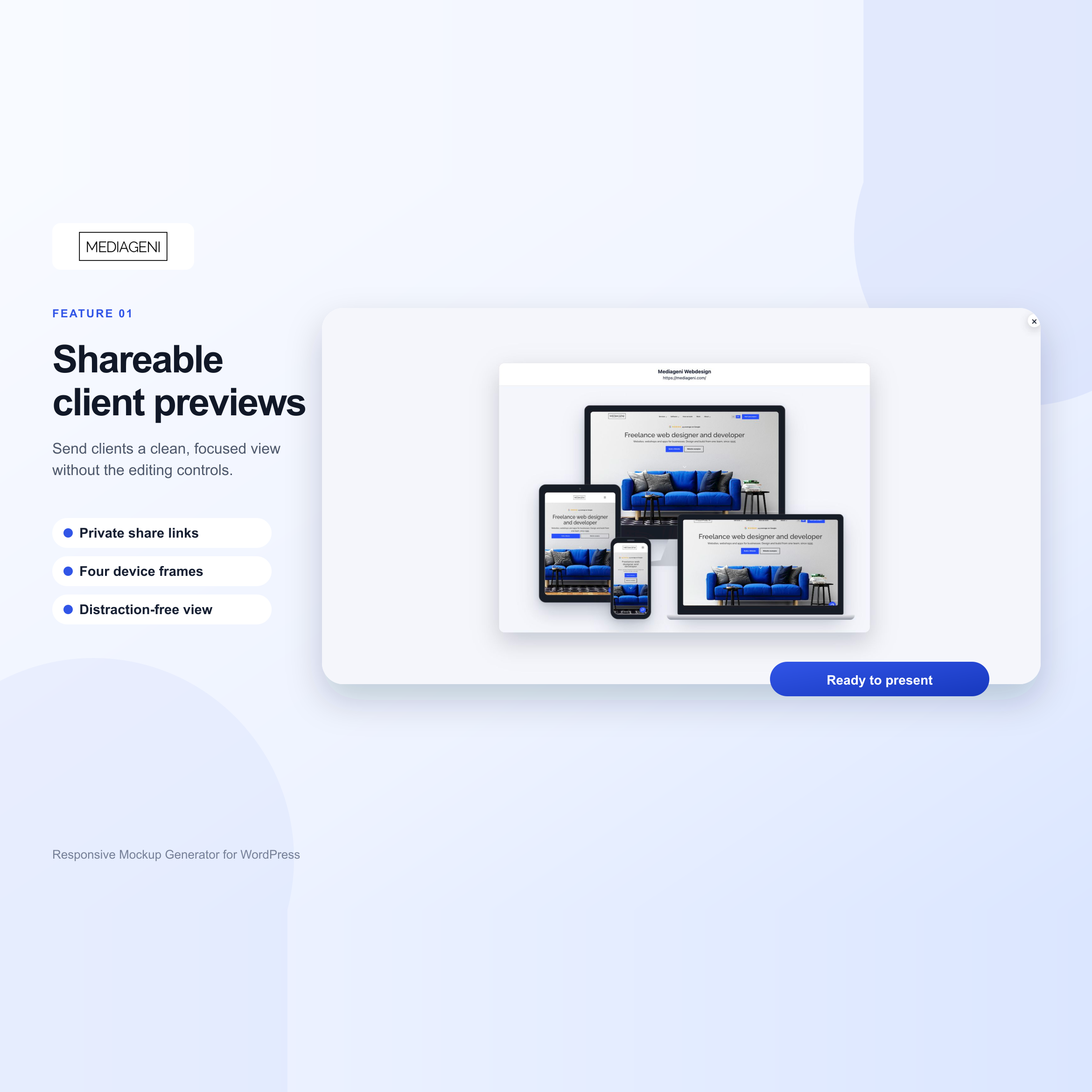
Show a website in four device frames at once, or pick a ready-made preset. Visitors can hide the devices they do not need, and you can arrange the frames into your own composition.

Unlisted links for your client

Send a client a preview without publishing anything. The link is unlisted and leaves out the internal client name, so you can share a layout while the project is still under discussion.

A portfolio that filters itself

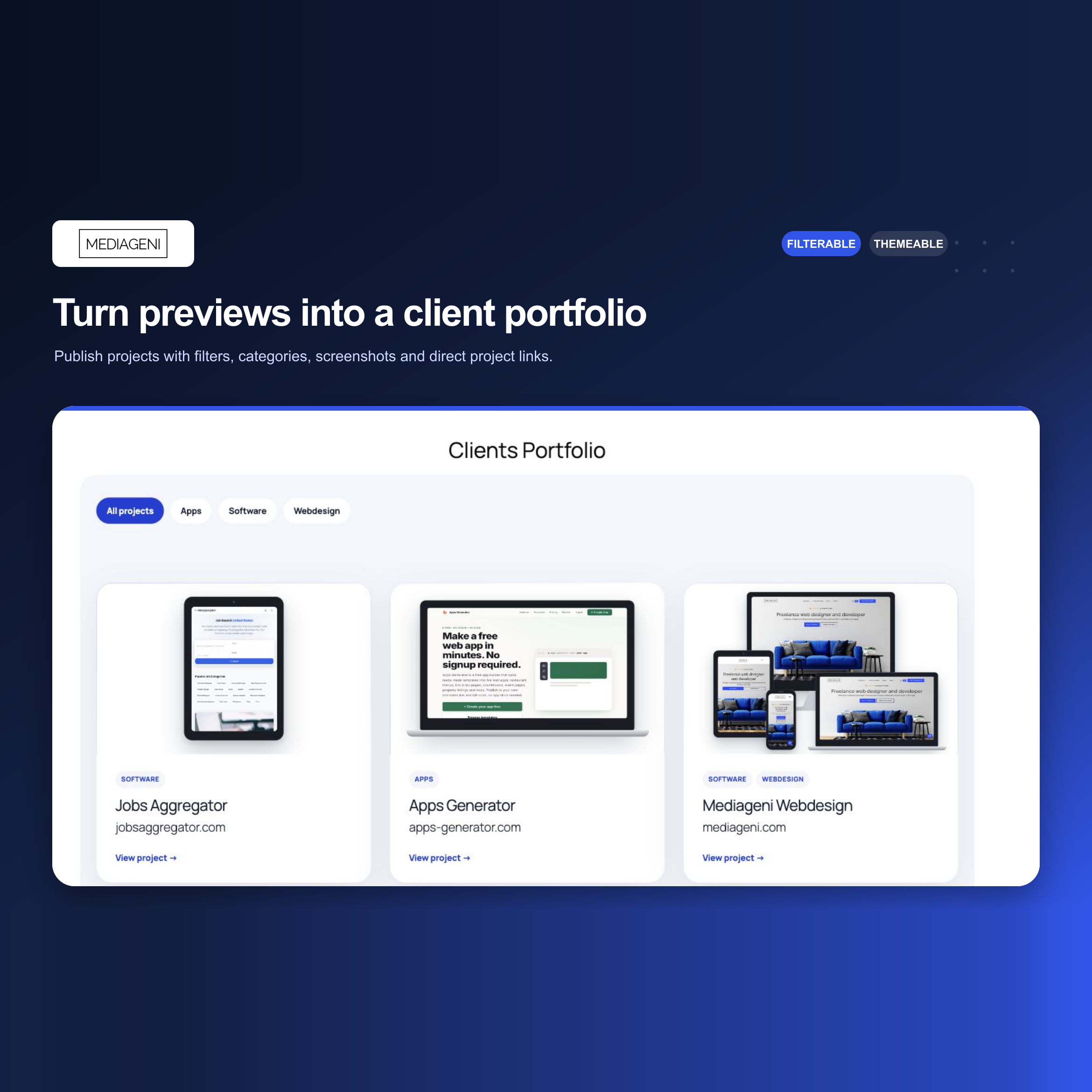
Publish projects with a featured image, description, categories, tags and a direct link to the live site. Four gallery designs, and visitors filter the work by category without a page reload.

A page per project

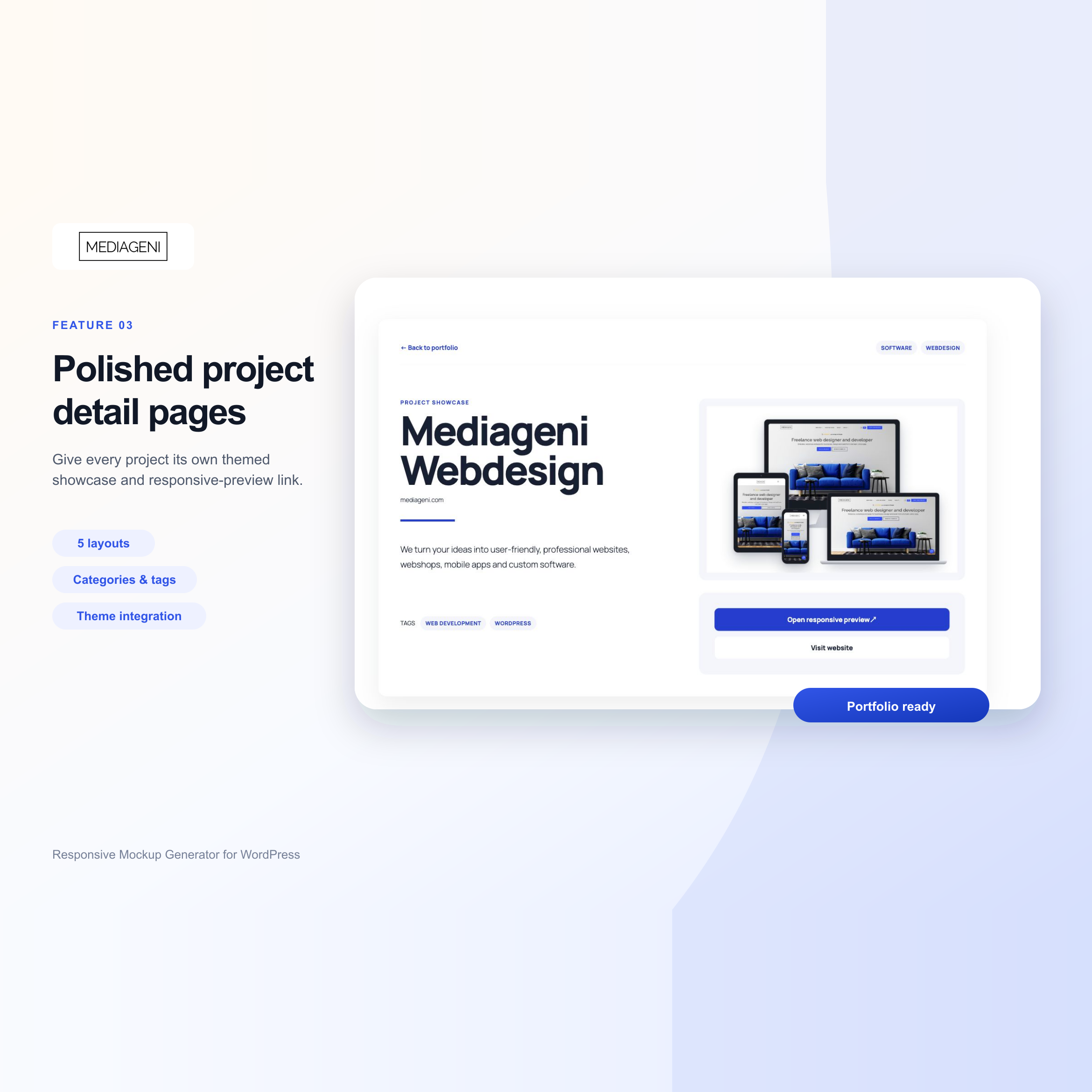
Every project gets its own page, in five layouts. You decide which information is visible and how the page is spaced, and the page keeps the header, footer, content width and typography of your own theme.

Screenshots without the work

Let the plugin fetch a thumbnail of a website through the WordPress.com mShots service and store it in your own media library. Six demo projects with local screenshots are included, so the plugin has something to show from the first minute.

Two shortcodes, and you decide the rest

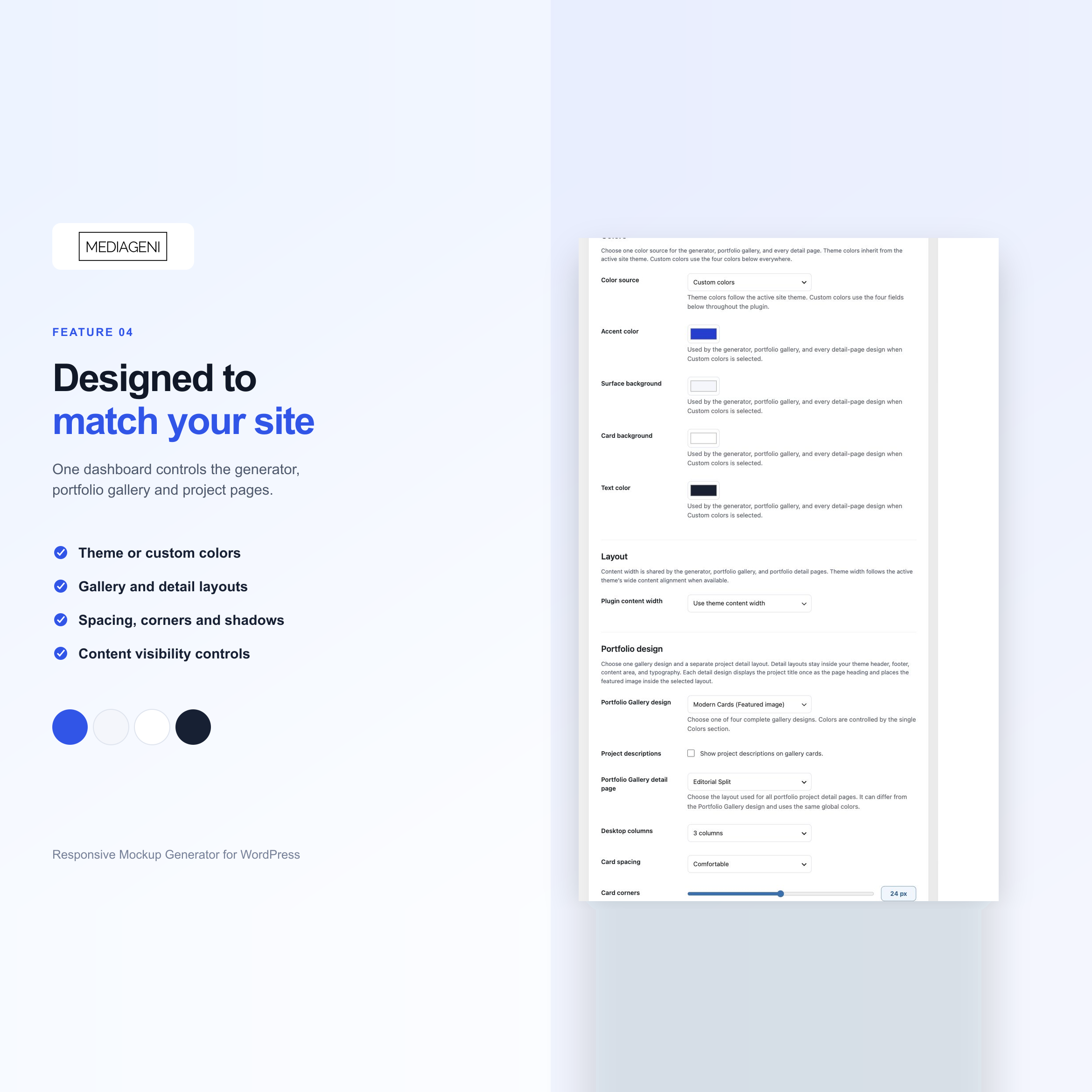
One shortcode for the generator, one for the portfolio. Columns, spacing, colours, shadows, corners and filters are settings, not code. Any page slug and any permalink structure works.

Good to know before you buy

Can I show any website inside a device?

Almost, but not quite, and this is the one limitation worth knowing up front. A website only appears inside a device frame when that website allows itself to be embedded in an iframe. Some sites block this through an X-Frame-Options or Content-Security-Policy header, and no plugin can override a header that another website sends. The plugin includes a compatibility check so you can test a URL before you build a presentation around it, and for sites that block embedding you can use a generated screenshot instead.

Do I need a page builder?

No. The plugin works through two shortcodes: one for the generator and one for the portfolio gallery. Paste them on a normal WordPress page and you are done. It works alongside a page builder if you already use one, but it does not need it.

Will it match my theme?

Yes. The portfolio and the project pages keep your theme header, footer, content width and typography. What the plugin adds on top of that, such as columns, spacing, colours, shadows, corners and which project information is visible, you set in the plugin settings.

What do I need on my site?

WordPress 6.4 or newer and PHP 7.4 or newer. For the device previews you also need a public HTTP or HTTPS website that permits iframe embedding. Nothing else, and there is no external service you have to sign up for. The mShots screenshot service is optional.

How safe is an unlisted client link?

An unlisted link is not indexed and does not appear in your portfolio, and it leaves out the internal client name. It is not password protected, so treat it as a link you can share freely with the people who need it rather than as a place for confidential material.

Is it available in other languages?

The plugin ships with English source text, a complete Dutch translation and the translation files you need to add a language of your own. Offline HTML documentation is included, and the same documentation is available online.

Can I try it before I buy?

Yes. The live demo runs the actual plugin, so you can build a preview and browse a portfolio gallery there. The documentation is public as well, so you can read exactly how the setup works before you decide.

Documentatie

De volledige handleiding staat online en is vrij te lezen, ook voordat je koopt. Daarin staan de installatie stap voor stap, alle instellingen en de antwoorden op de vragen die het vaakst gesteld worden.

Lees de documentatie

License

Personal License (1 Domain), Business License (Unlimited domains)